Juno
The new version of my finance app: a local-first personal and household tracker for the Linux desktop and iPhone, with optional sync between them.
My partBuilt solo
In short
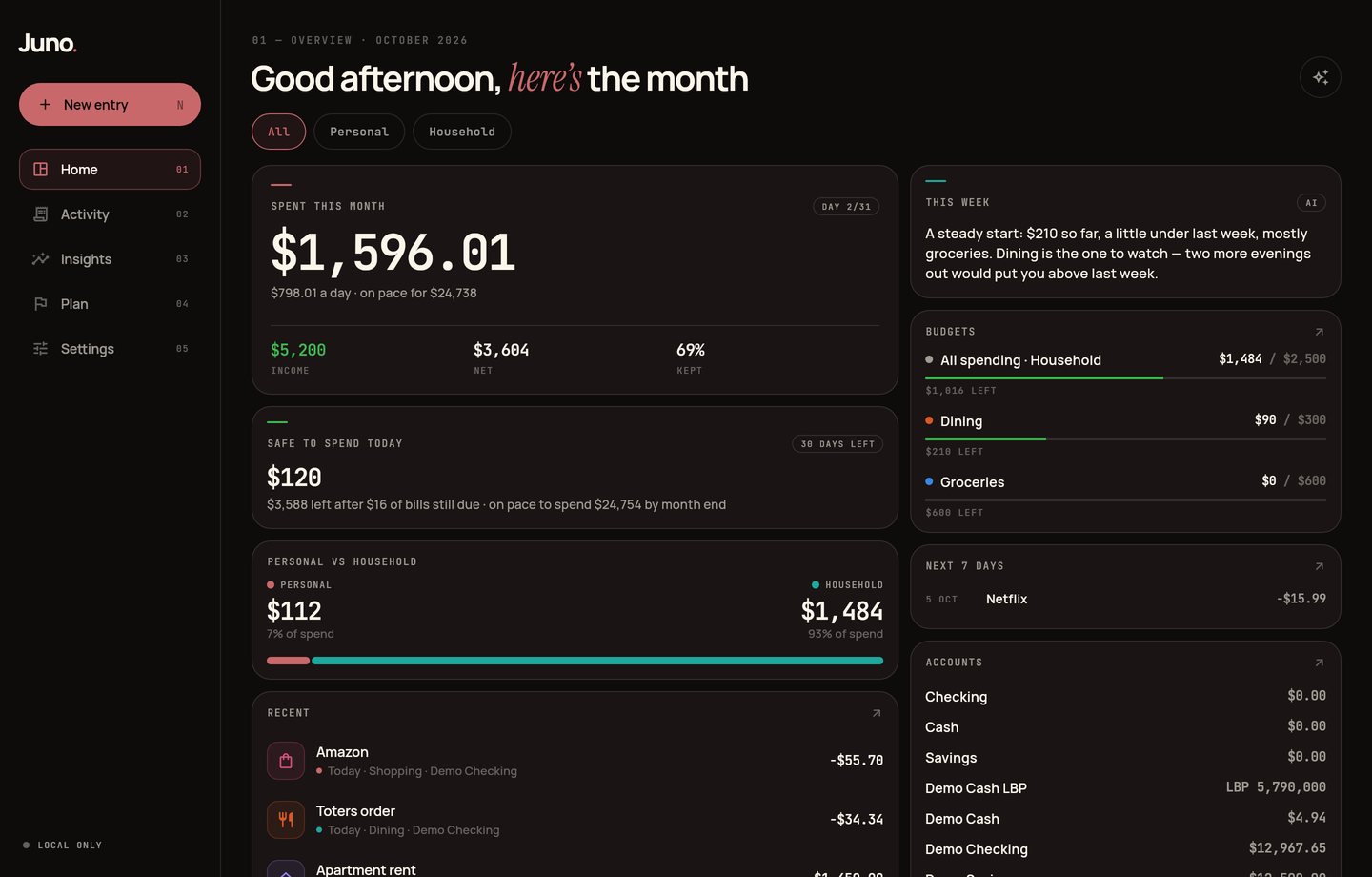
A personal and household finance tracker for the Linux desktop and iPhone, built in Flutter. It is local-first, with optional Supabase sync between devices, and it is the new version of my earlier finance app, REE.
- What it is
- A local-first personal and household finance tracker for the Linux desktop and iPhone.
- Why it matters
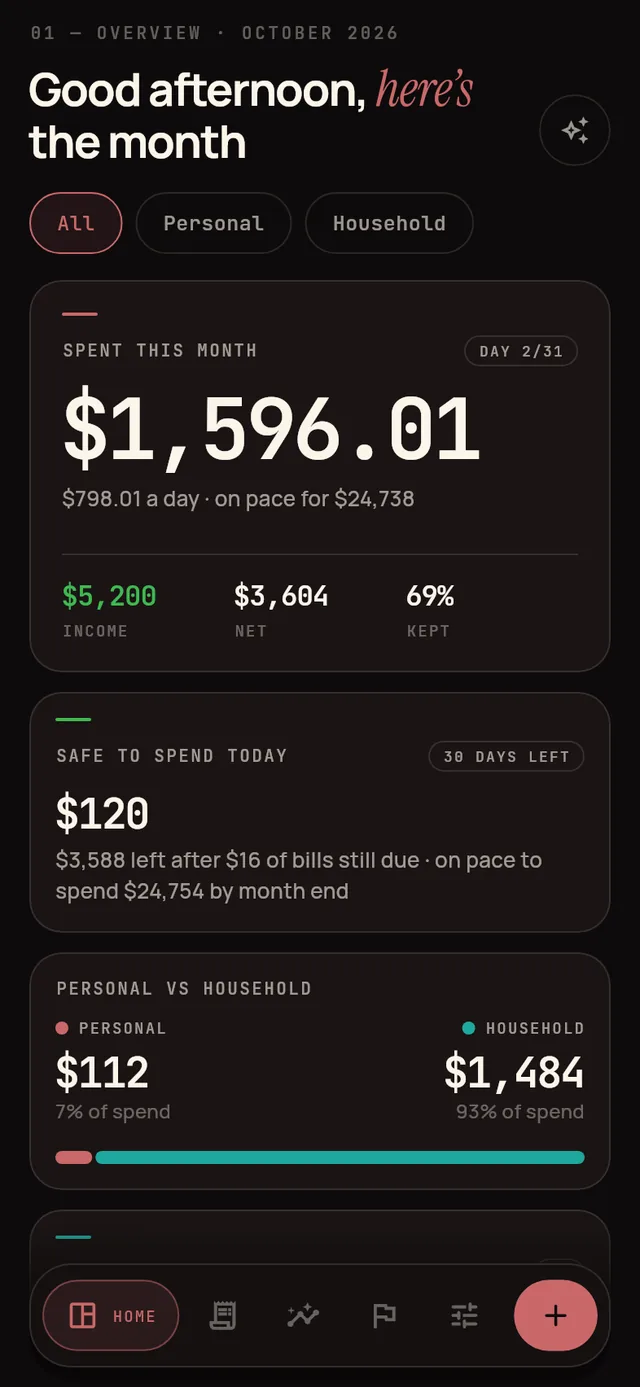
- Tracking money only works if logging is quick enough to keep up, and a shared household needs to see what is personal and what is shared. Juno is built around both: fast entry everywhere, and a Personal or Household mark on every entry.
- My part
- I built it on my own: the app, its sync engine, its design system, and its tests.
Step by step
- 1
Log
Expenses, income, and transfers across accounts, each marked Personal or Household. On desktop, N opens a new entry; on iPhone, Siri, Shortcuts, Back Tap, the Action Button, and a home-screen widget log without opening the app.
- 2
Import
A bank CSV comes in with its columns guessed, categories learned, already-seen rows skipped, and an undo. Excel workbooks and Notion CSV exports import too, and export writes everything back out to CSV.
- 3
Plan
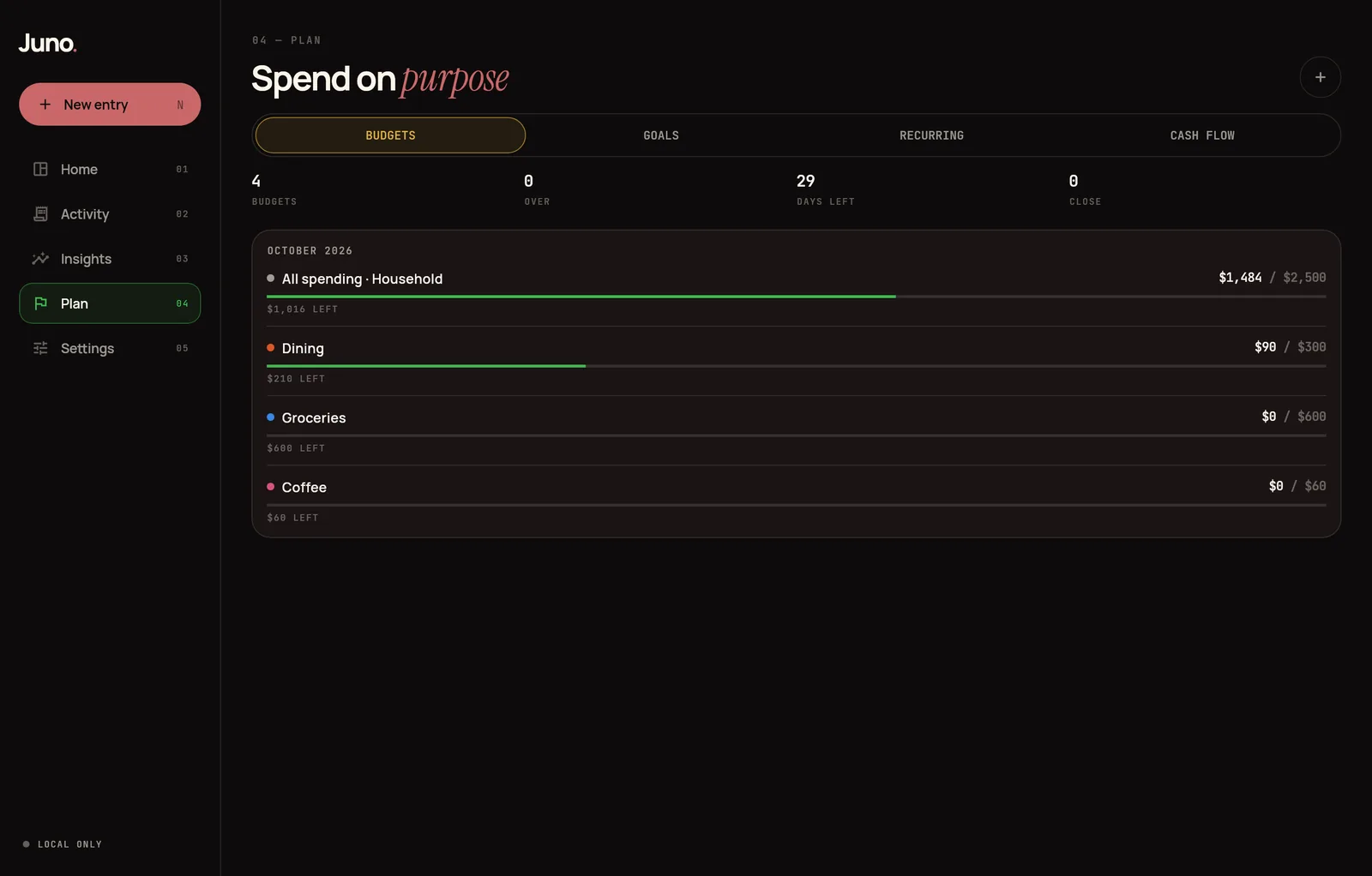
Monthly budgets per category or scope, savings goals with contributions, and recurring entries that log themselves on their due date, with a reminder on the day and budget alerts at 80% and 100%.
- 4
Understand
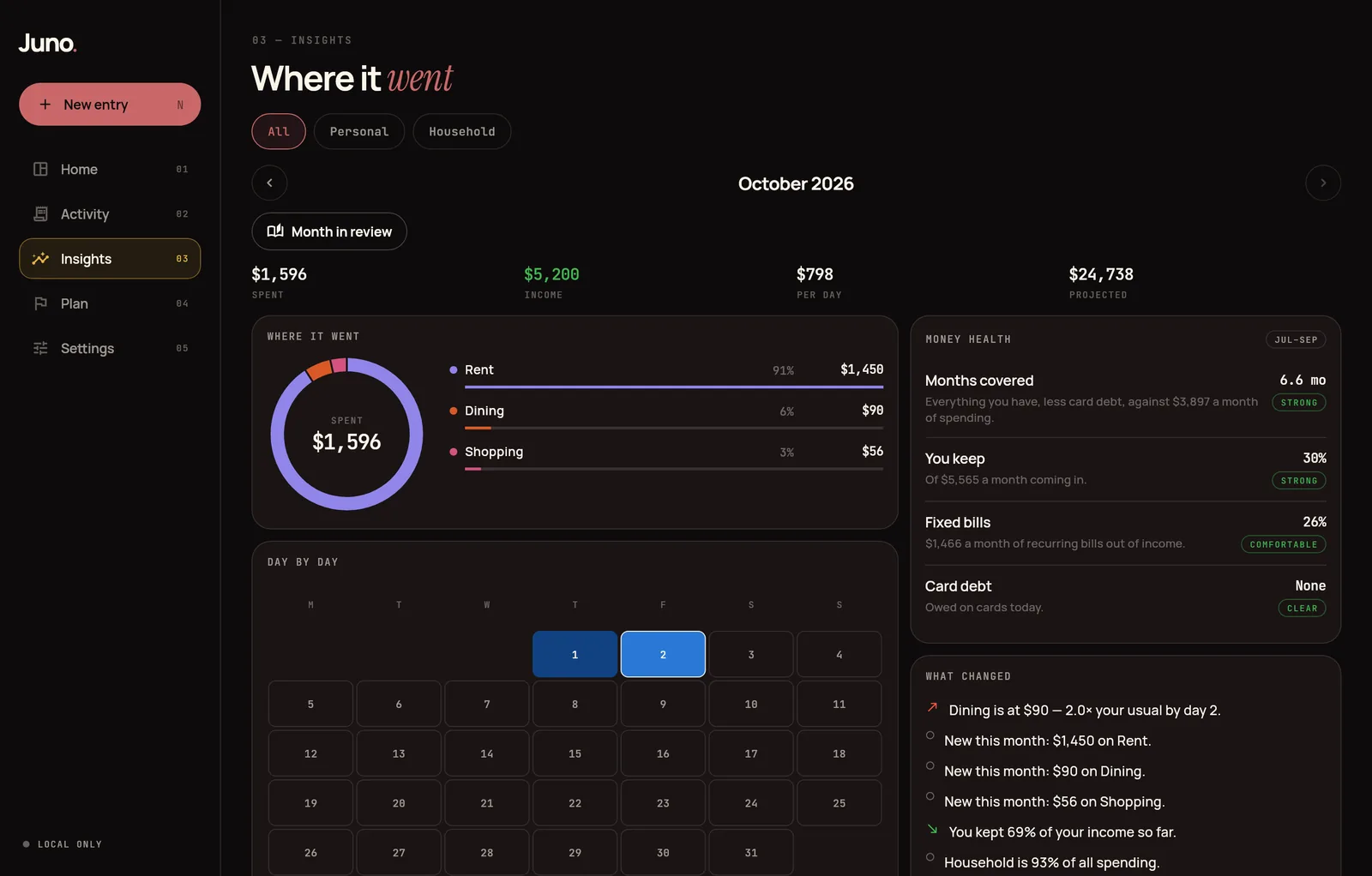
Where the money went this month, what changed against the same point last month, six-month trends, top places, recurring costs, totals per tag, and net worth over twelve months.
- 5
Sync
Optional Supabase sync with row-level security. Every row carries an update time and a soft delete, so a device pushes what changed and pulls what it missed.
From the project
For engineersHow it is built, its limits, and its keywords.
How it works
A Flutter app on drift tables, with every read and write going through one Ledger layer. Sync is optional: each round pushes local changes to Supabase and pulls server changes since a per-table cursor, with last-write-wins conflicts and deterministic ids so two devices converge instead of duplicating. On iPhone, Siri, Shortcuts, Back Tap, and the Action Button drop entries into a shared inbox that Juno imports on its next launch.
Limits
- Sync conflicts resolve last-write-wins, so if two devices edit the same entry before syncing, the later edit is the one kept.
- Exchange rates are the ones you set: totals stay in USD, and each entry keeps the USD value it was logged at.
- The iPhone app is built on a Mac and installed from Xcode.
Keywords
- personal finance
- household budget
- Flutter
- local-first
- Supabase sync
- iOS App Intents